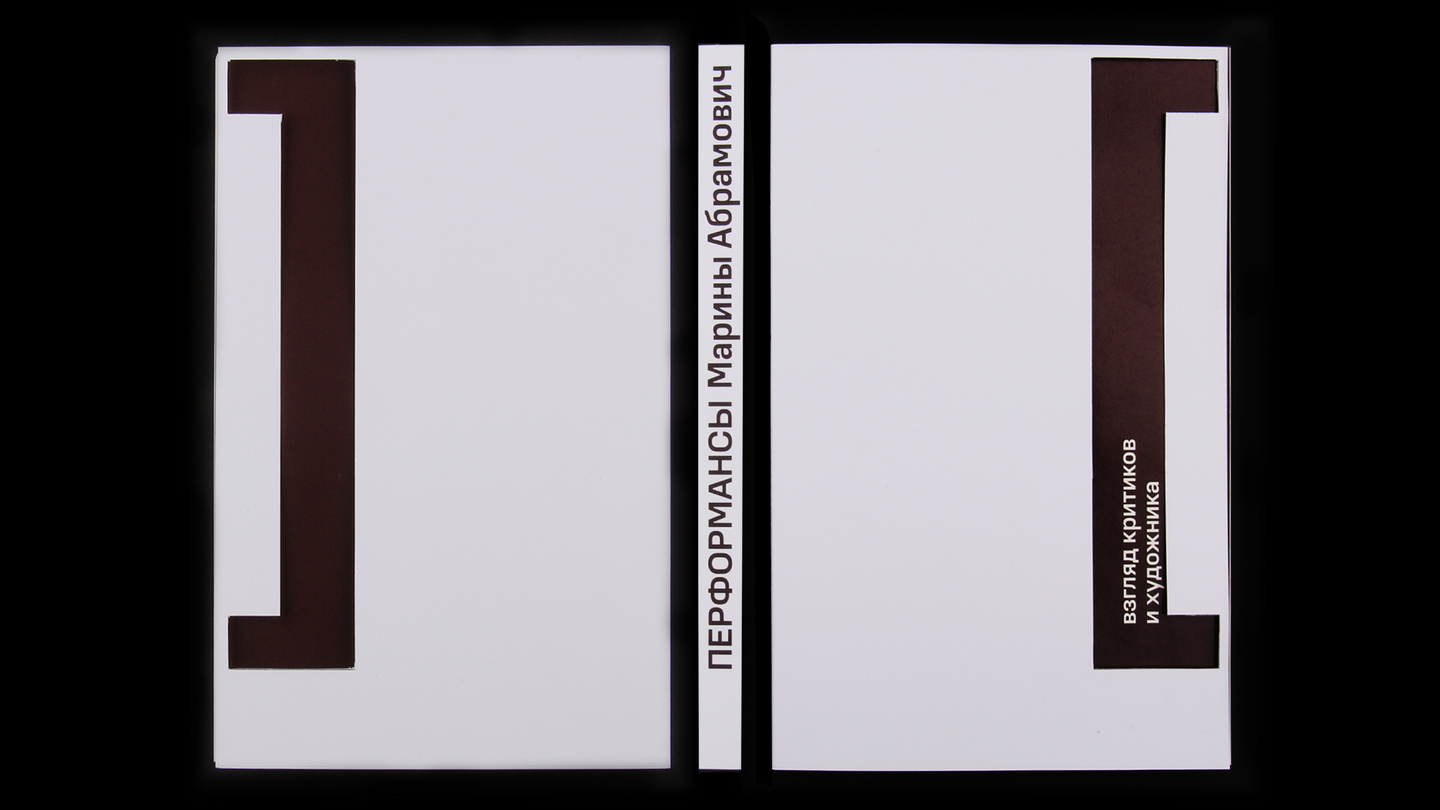
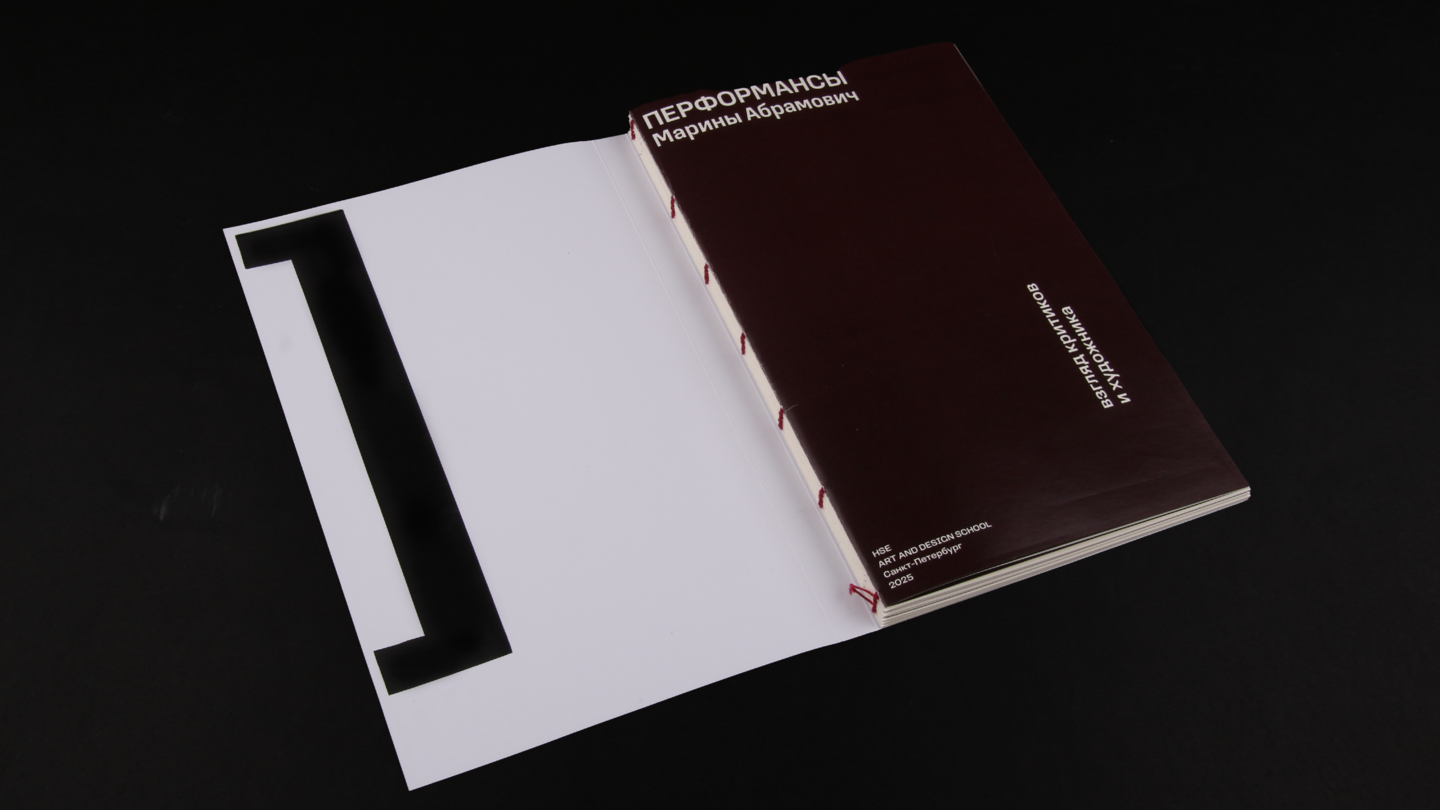
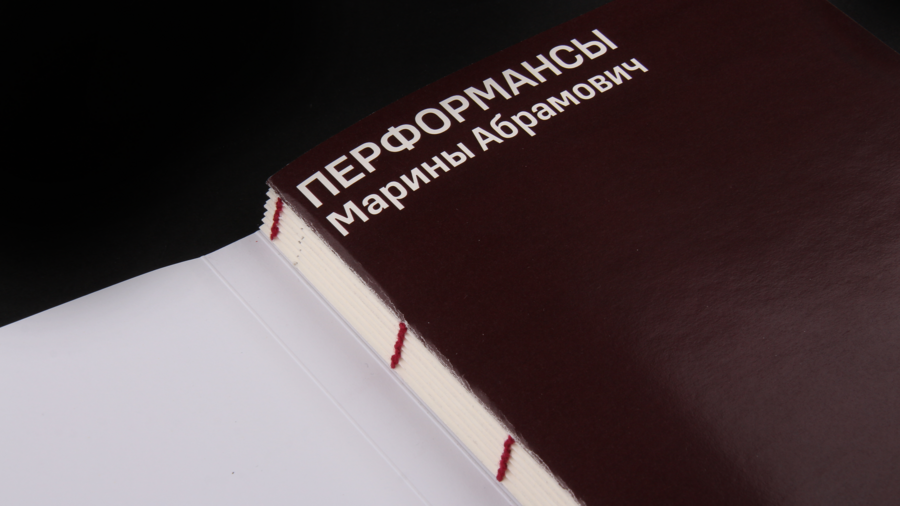
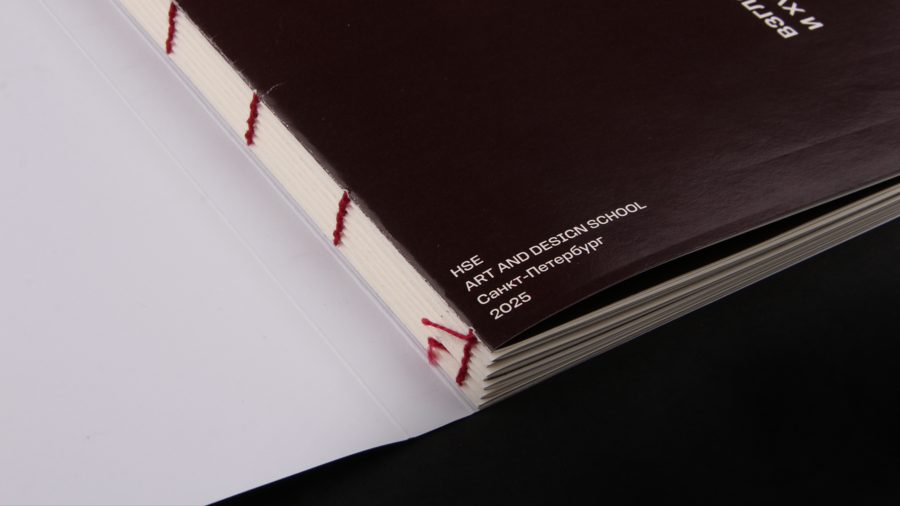
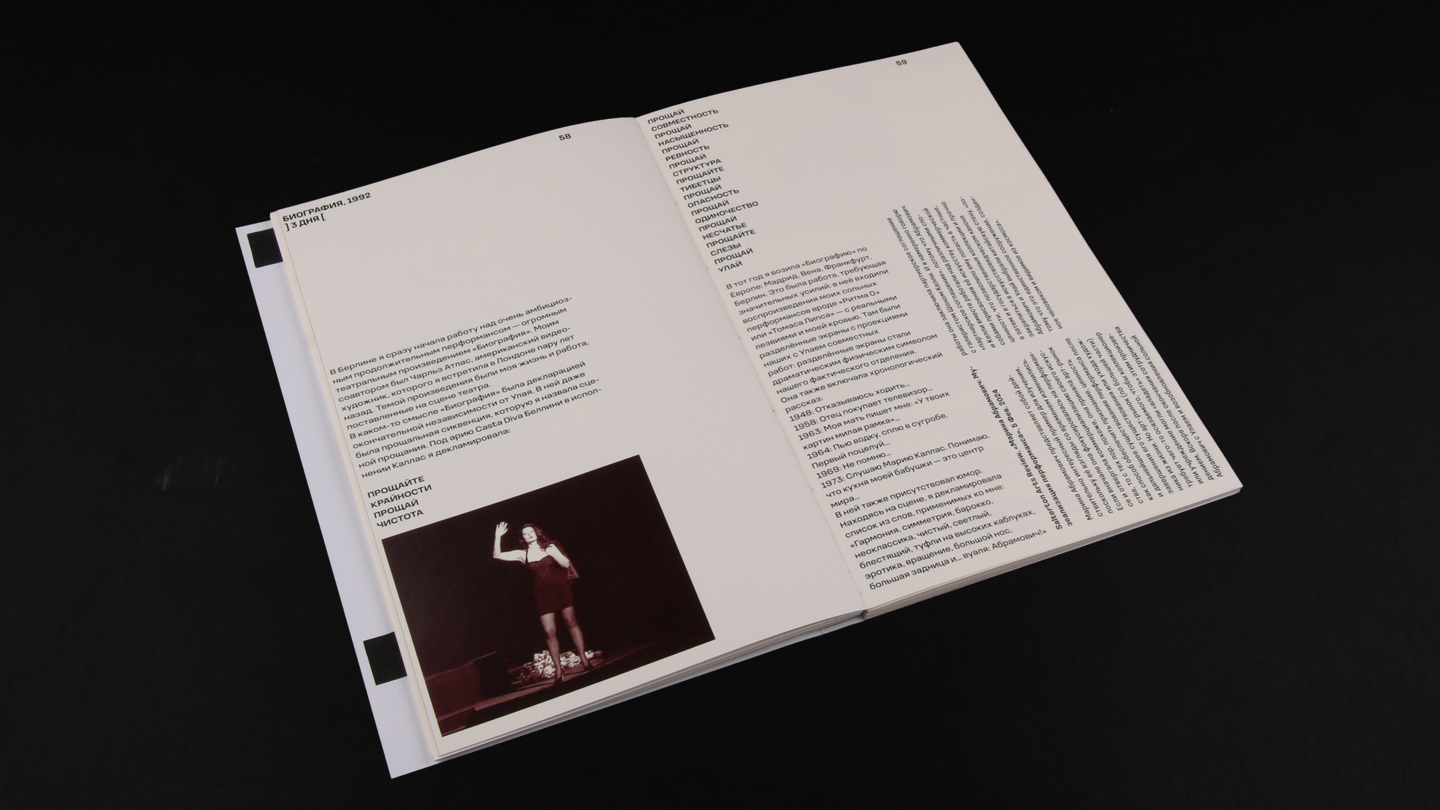
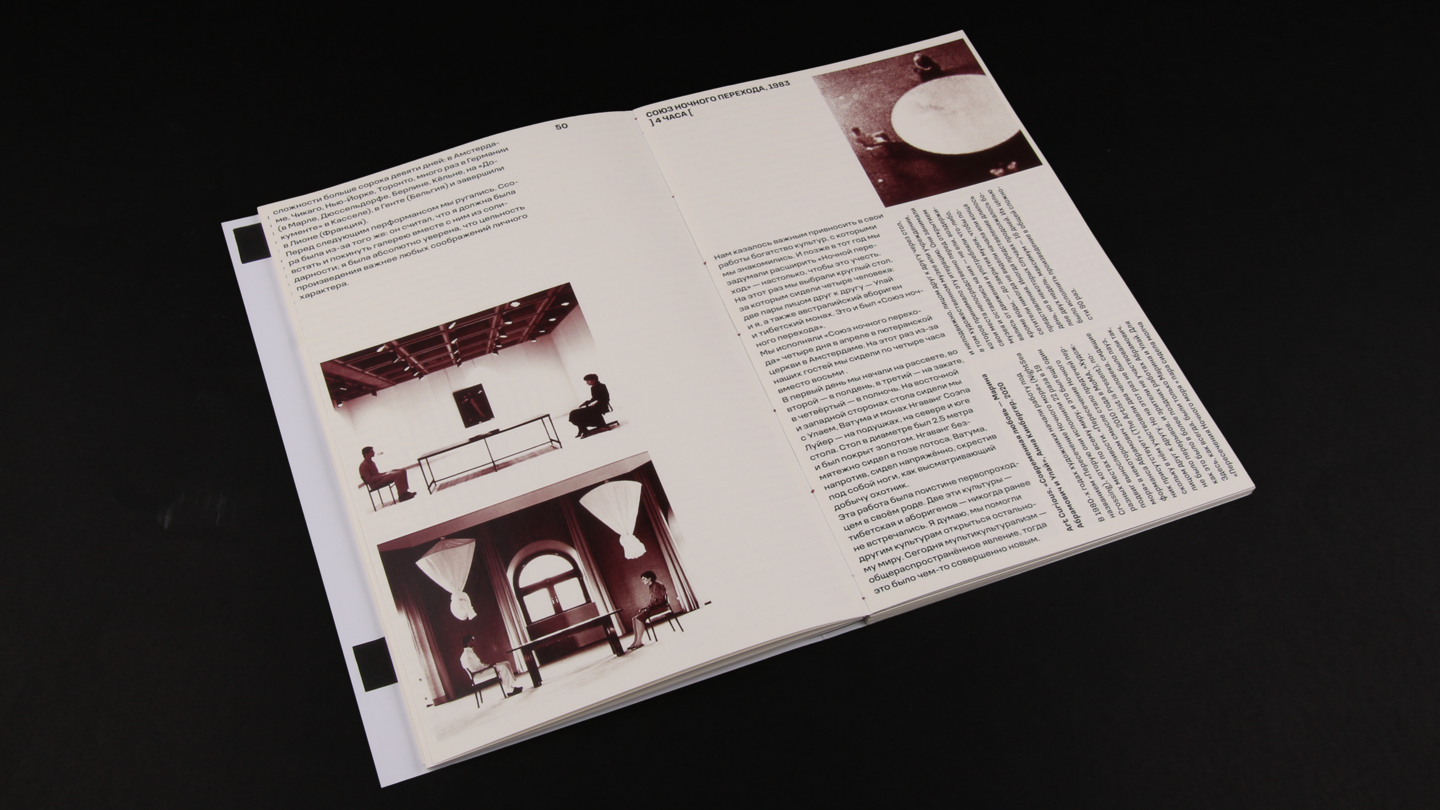
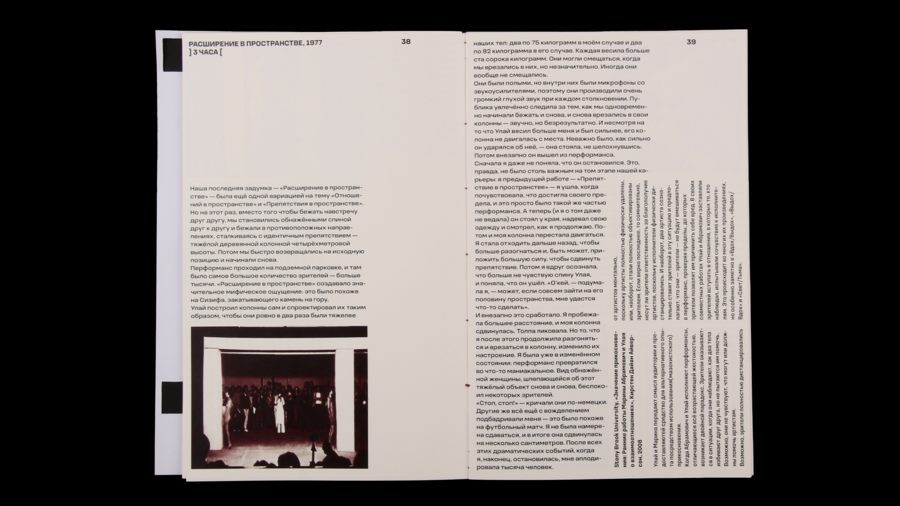
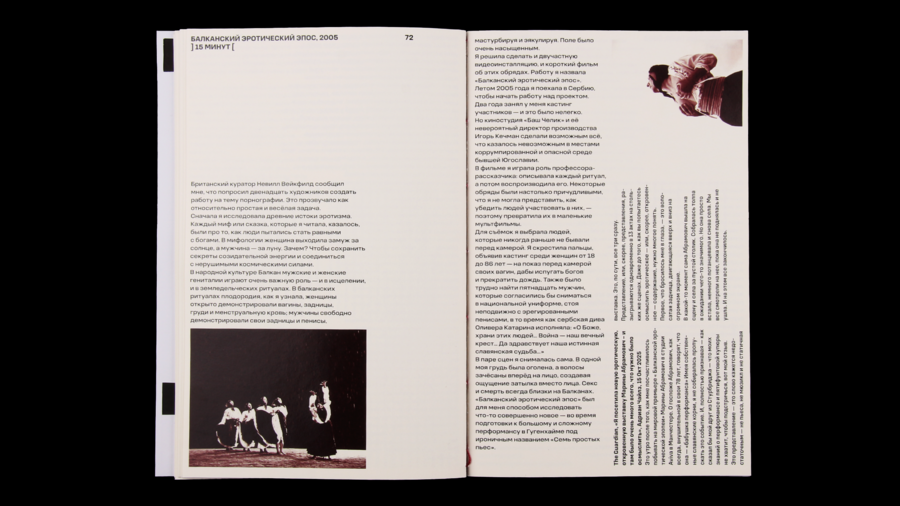
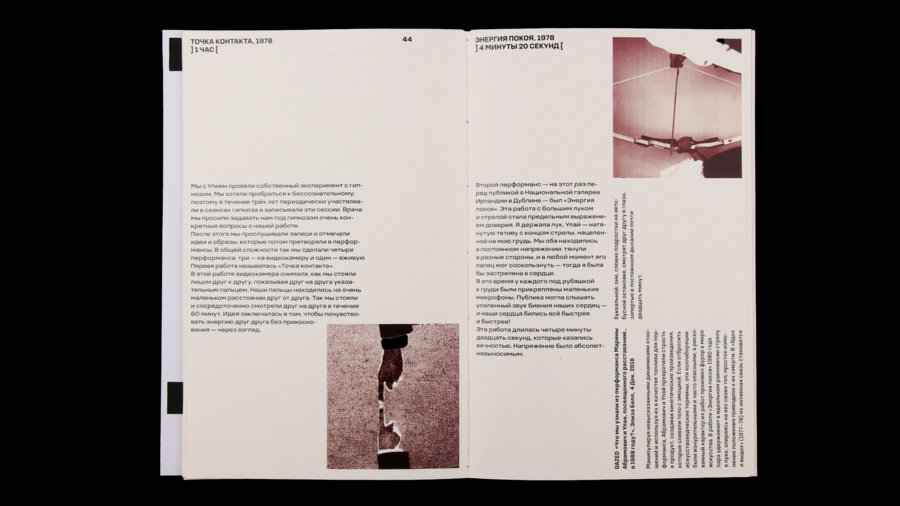
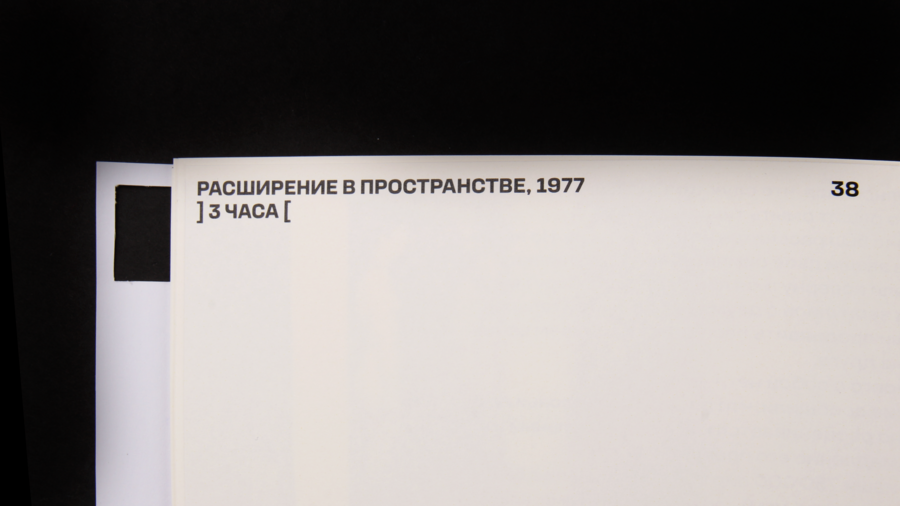
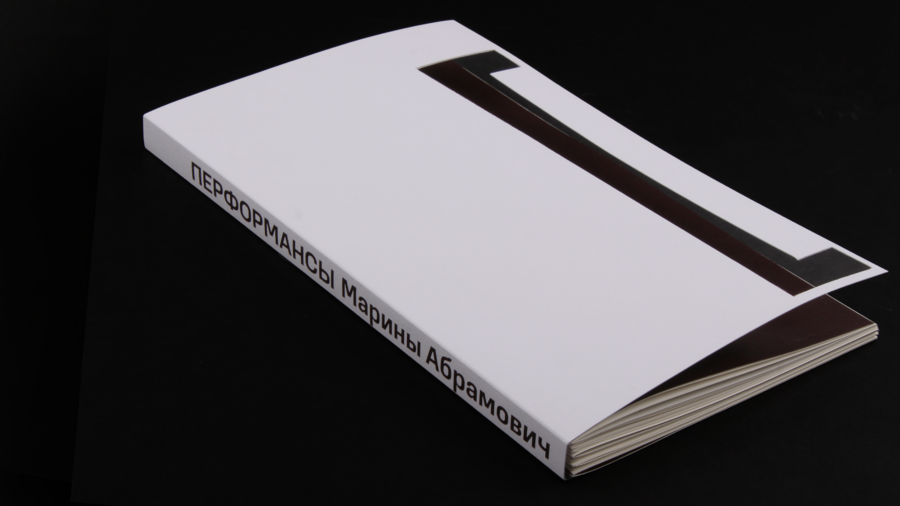
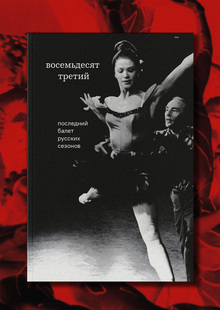
Издание рассказывает о перформансах М.Абрамович и отражает главное их свойство — тесный контакт, непосредственный диалог М.Абрамович с публикой, с зрителями ее искусства
0
0
0
0
0
Открытые скобки — отражение метафоры открытого рискованного искусства
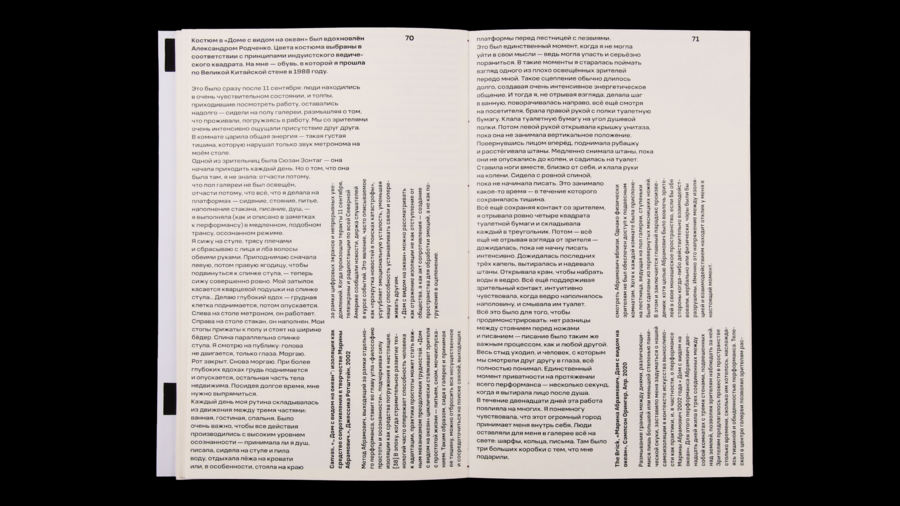
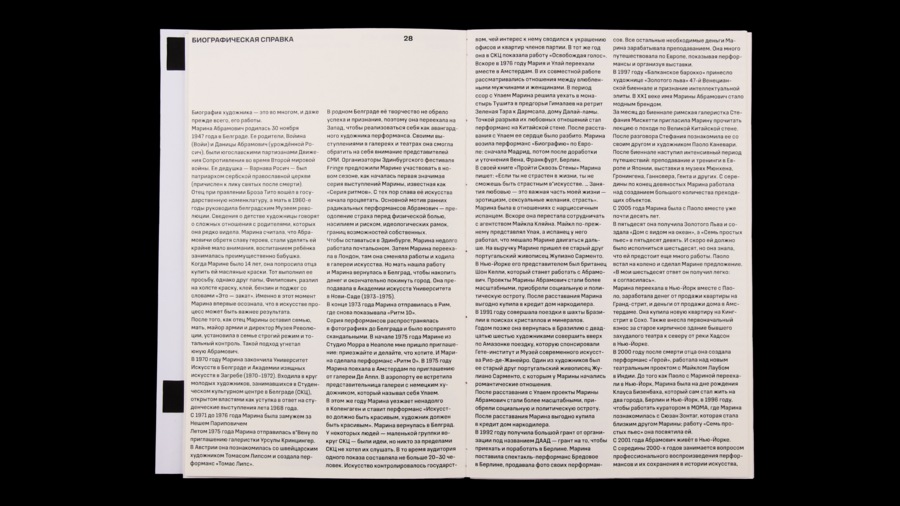
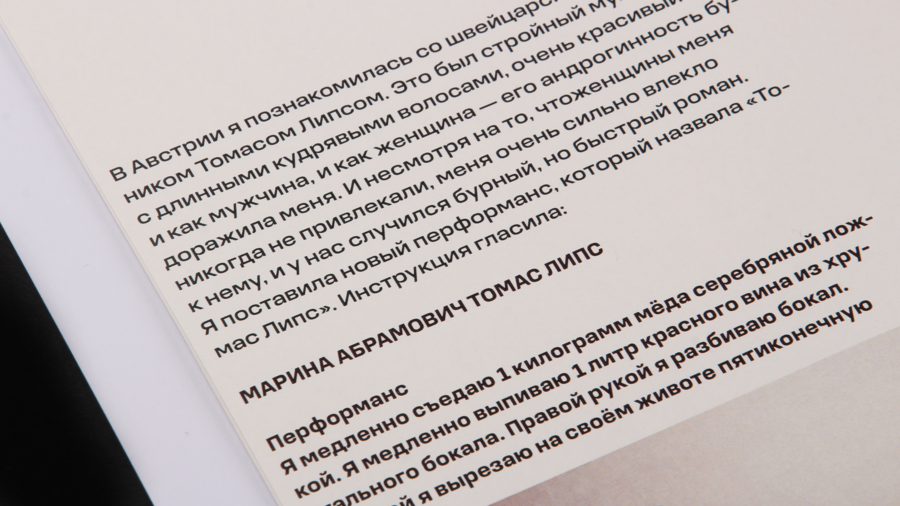
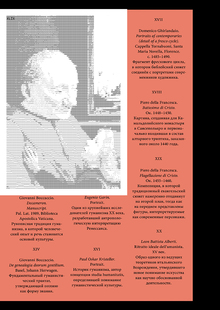
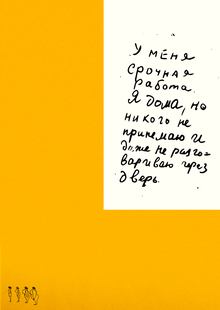
Верстка строится на параллельном повествовании о перформансах со стороны художника и со стороны критиков
0
0
0
0
0
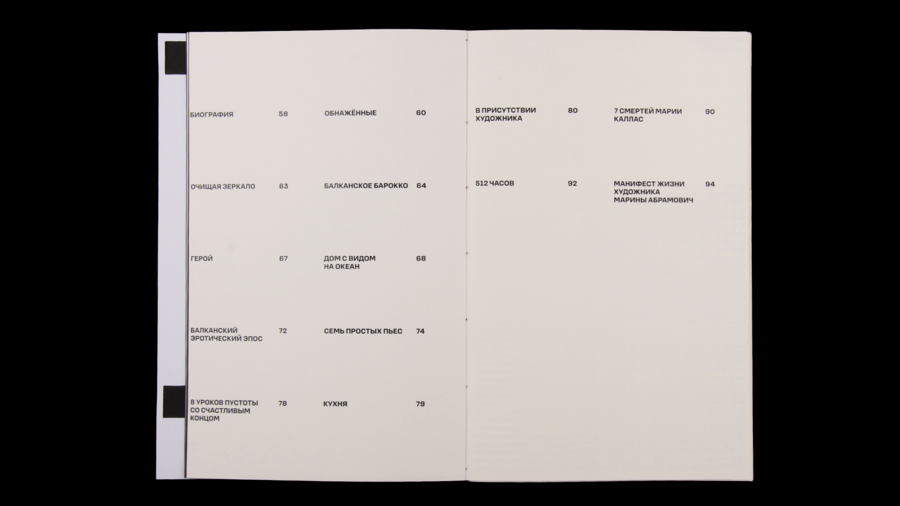
раздел биографии
Original size 2560x1440
Original size 2560x1440
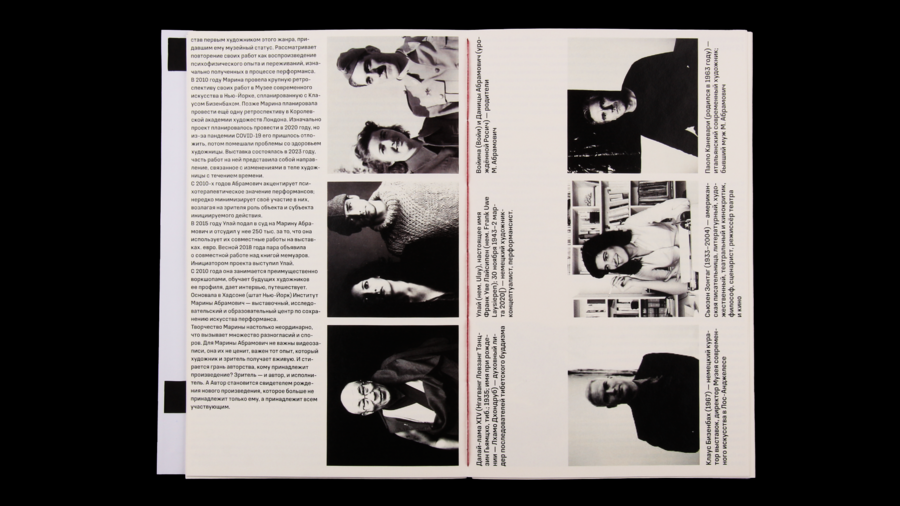
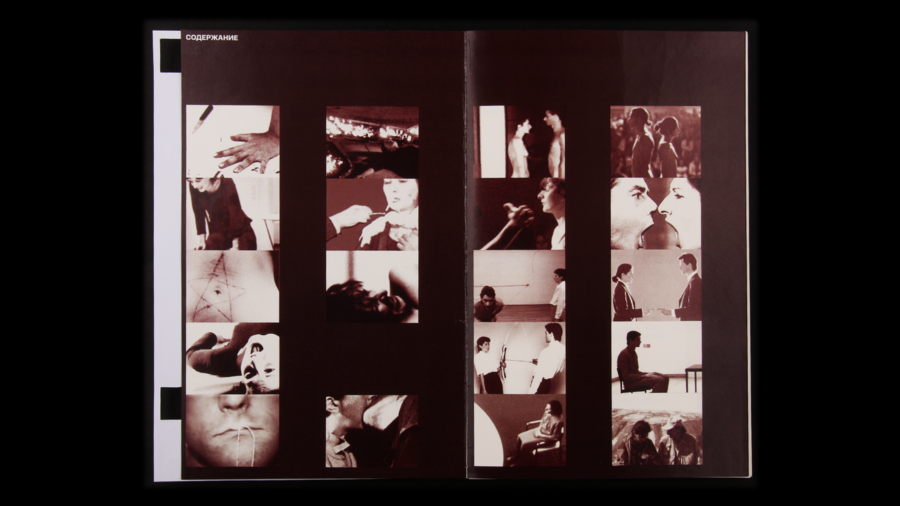
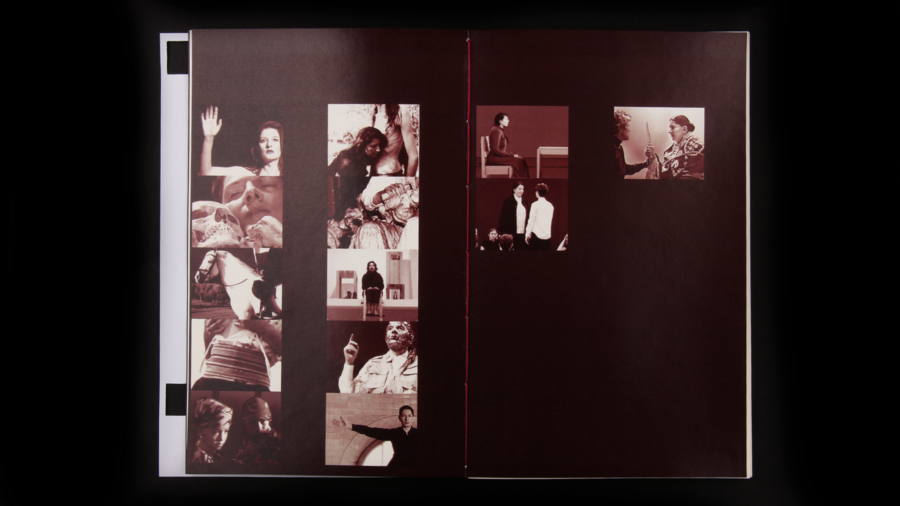
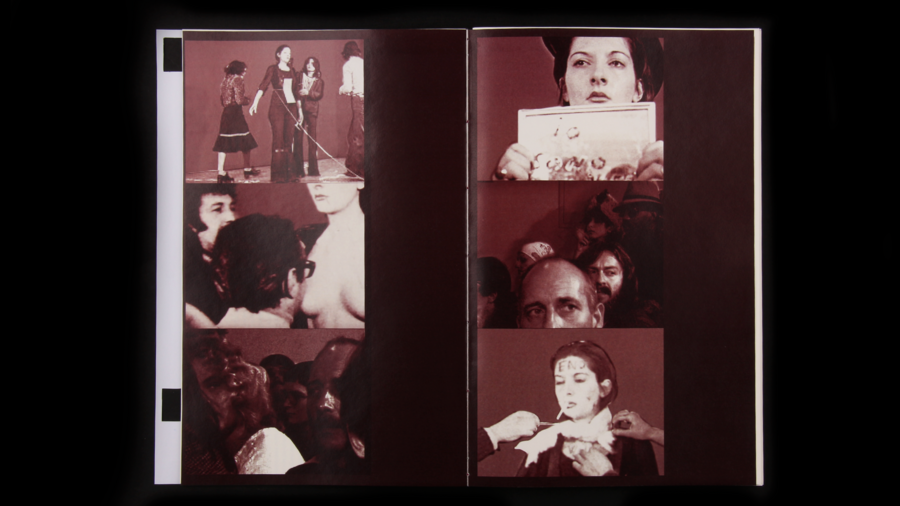
разворот-фотогалерея
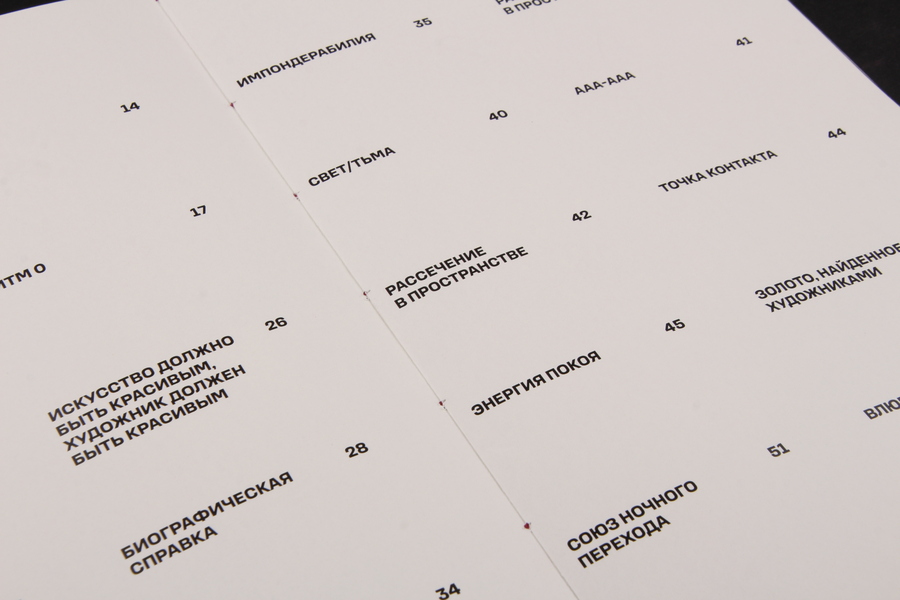
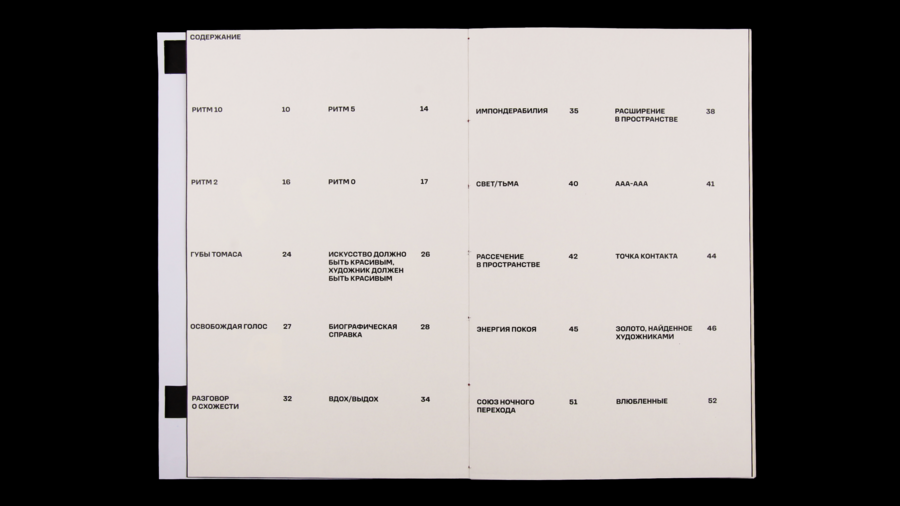
содержание
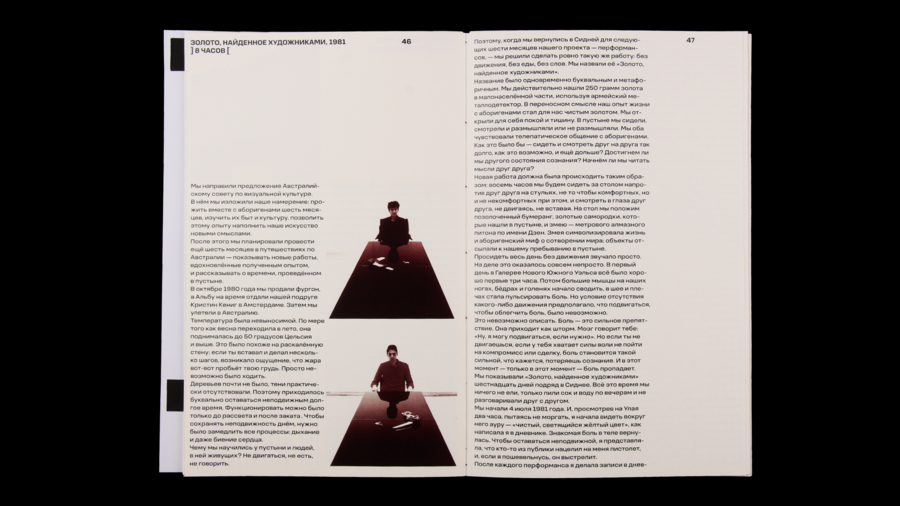
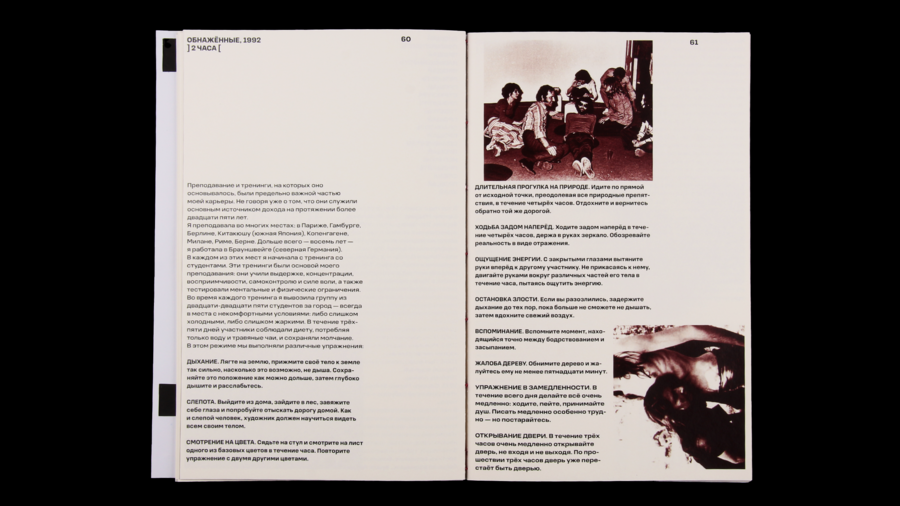
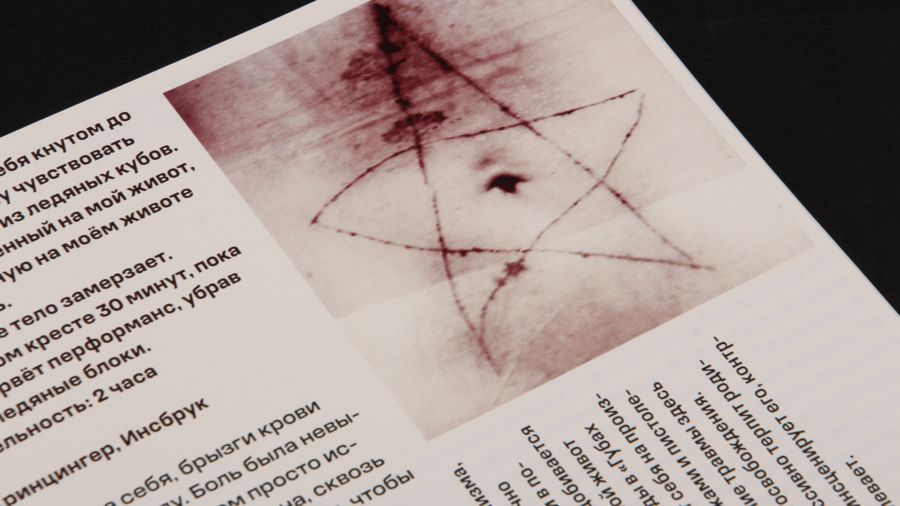
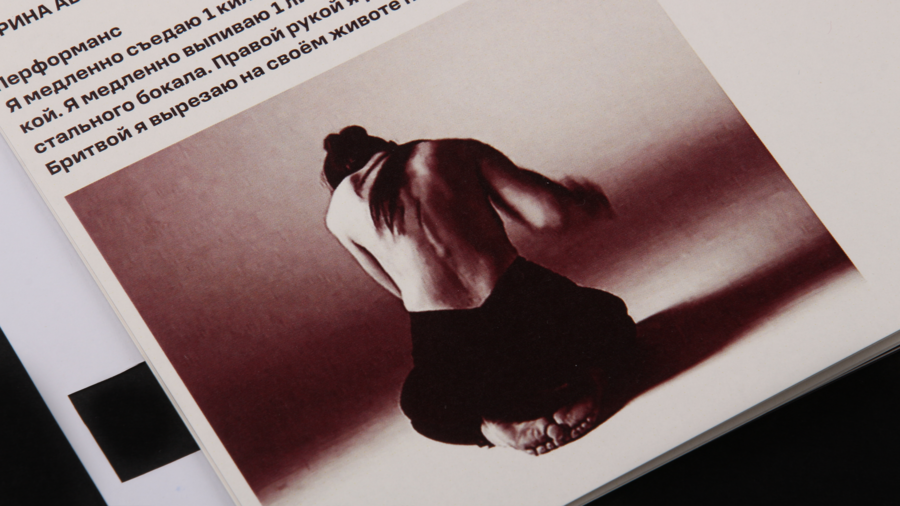
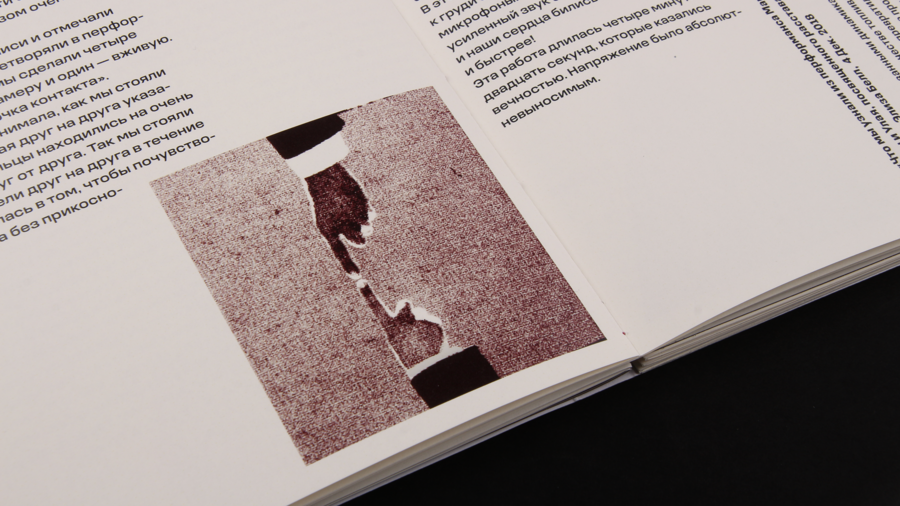
Иллюстрации издания в одном тоне подсвечивают части тела, которыми говорит художница. Бордовый цвет — оттенок персонального бренда Абрамович, а так же цвет крови, которая нередко участвует в перформансах
Формат: 162×249 mm
состоит из модулей 83×108 mm — размер фото с рамкой автополароида (1971 Polaroid Big Shot
пленки Instant Film), на который фотографировал Улай
Original size 2560x1440
манифест
Работы М. Абрамович предельно честны
и самоотвержены. Ее акты — это разговор с публикой посредством тела. Тело художницы становится основным медиумом в ее перформансах
Перформативное искусство — это вызов обществу и арт-сцене 70-х 20в.–21в, который живет в настоящем моменте общения со зрителями
Press space bar to start a drag.
When dragging you can use the arrow keys to move the item around and escape to cancel.
Some screen readers may require you to be in focus mode or to use your pass through key
Press space bar to start a drag.
When dragging you can use the arrow keys to move the item around and escape to cancel.
Some screen readers may require you to be in focus mode or to use your pass through key
Press space bar to start a drag.
When dragging you can use the arrow keys to move the item around and escape to cancel.
Some screen readers may require you to be in focus mode or to use your pass through key
Press space bar to start a drag.
When dragging you can use the arrow keys to move the item around and escape to cancel.
Some screen readers may require you to be in focus mode or to use your pass through key
Press space bar to start a drag.
When dragging you can use the arrow keys to move the item around and escape to cancel.
Some screen readers may require you to be in focus mode or to use your pass through key
Press space bar to start a drag.
When dragging you can use the arrow keys to move the item around and escape to cancel.
Some screen readers may require you to be in focus mode or to use your pass through key
Press space bar to start a drag.
When dragging you can use the arrow keys to move the item around and escape to cancel.
Some screen readers may require you to be in focus mode or to use your pass through key
Press space bar to start a drag.
When dragging you can use the arrow keys to move the item around and escape to cancel.
Some screen readers may require you to be in focus mode or to use your pass through key
Press space bar to start a drag.
When dragging you can use the arrow keys to move the item around and escape to cancel.
Some screen readers may require you to be in focus mode or to use your pass through key
Press space bar to start a drag.
When dragging you can use the arrow keys to move the item around and escape to cancel.
Some screen readers may require you to be in focus mode or to use your pass through key
Press space bar to start a drag.
When dragging you can use the arrow keys to move the item around and escape to cancel.
Some screen readers may require you to be in focus mode or to use your pass through key
Press space bar to start a drag.
When dragging you can use the arrow keys to move the item around and escape to cancel.
Some screen readers may require you to be in focus mode or to use your pass through key
Press space bar to start a drag.
When dragging you can use the arrow keys to move the item around and escape to cancel.
Some screen readers may require you to be in focus mode or to use your pass through key